Kioku Memory

How It Works

From endless files to the moments you chose to keep.

Your camera roll can keep every file. Kioku has a different job: help you choose the moments you do not want to lose, keep their stories attached, and make them easy to return to without digging through the endless scroll.

The memory journey

One chosen Memory. Three simple steps.

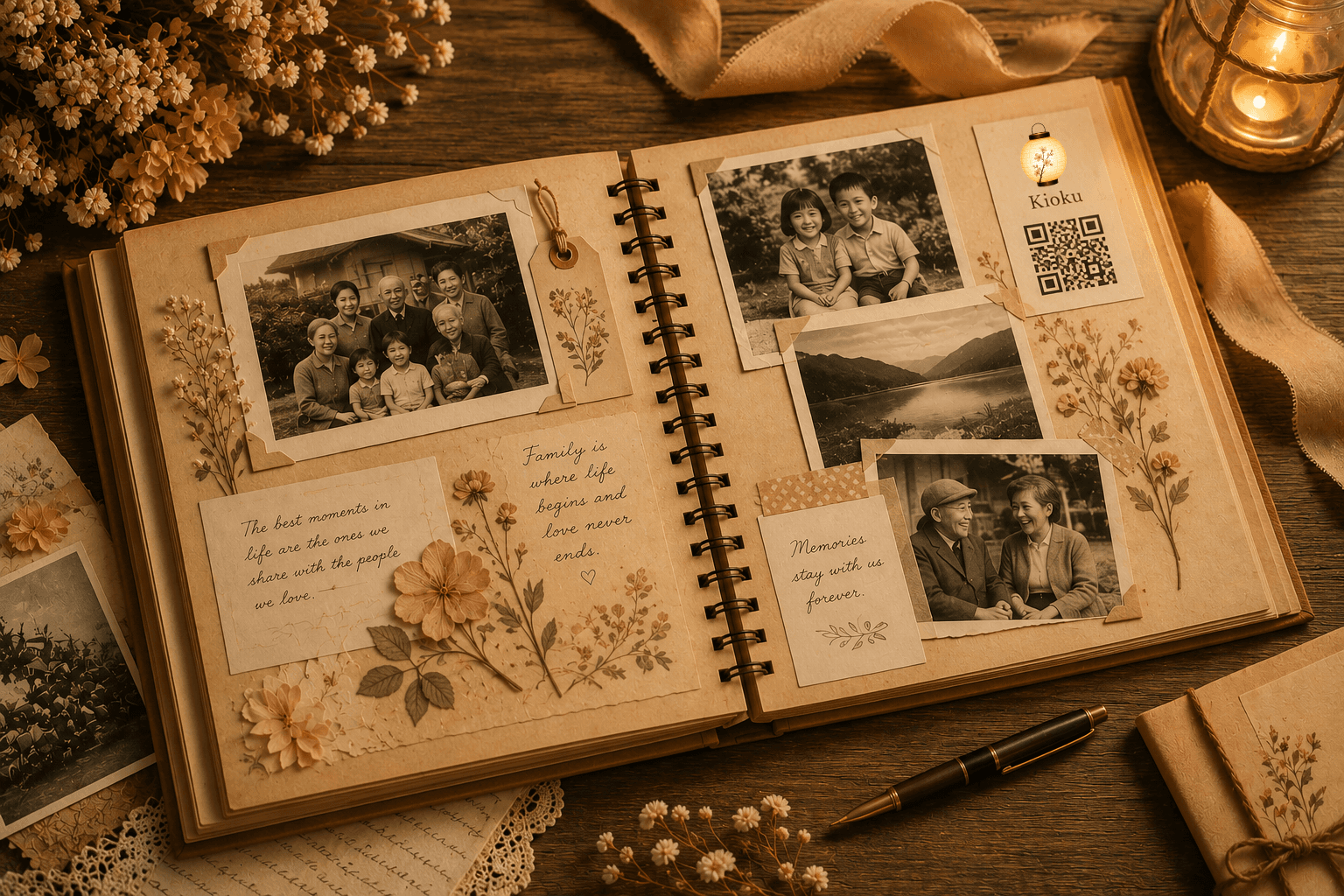
A family story preserved with a photograph and handwritten details1

Choose the moment

Start with one photo, video, or voice recording worth keeping.

A printable Kioku memory card for Barley with a QR code2

Create the keepsake

Keep its story with it, then connect it to a beautiful printable QR card.

3

Memory opened

Scan and remember

A loved one scans and experiences it instantlyโ€”no app required.

Capture

Kioku Journal

A private place for everyday moments before you know which ones will matter most. Journal Entries can hold words and up to ten media items. They stay private unless you deliberately choose one moment to become a Memory.

Preserve

Kioku Memory

One deliberately chosen photo, video, or audio recording becomes the center of a Memory. Its story, cover, QR experience, album relationships, and design options grow around that one choice.

Some moments should never feel far away.

More storage can keep more files, but it cannot make the meaningful ones easier to recognize or return to. Kioku keeps a chosen moment with the context that gives it meaning and gives that Memory a deliberate place in your life.

๐ŸŽฅ

Step 01

Choose One Moment Worth Keeping

Start with one photo, video, or voice recording that represents the moment. Kioku is intentionally not a second camera roll: the choice is part of what makes it a Memory.

๐Ÿ“–

Step 02

Keep the Story With It

Add the date, names, description, category, and cover photo so the media does not become an orphaned file years from now. Preserve why this particular moment mattered to you.

๐Ÿ—‚๏ธ

Step 03

Bring Related Memories Together

If several chosen moments belong to the same trip, season, person, or story, place those separate Memories in a Memory Album. The album connects them without turning one Memory into a photo dump.

๐Ÿ“ฑ

Step 04

Create a Doorway Back

Kioku creates a memory page and QR code, then lets you design a beautiful keepsake card. The code connects something you can hold or display to the living Memory behind it.

๐Ÿ’Œ

Step 05

Place or Share It Where It Belongs

Print, frame, mail, or place the card in an album, journal, invitation, or gift. Share the Memory digitally when that fits, or schedule it to arrive on a meaningful date in the future.

๐Ÿฎ

Step 06

Return Without the Endless Scroll

Come back directly to the moments you chose. One scan or visit can bring back the movement, voice, laughter, and story without searching through thousands of unrelated files.

๐ŸŽฅ

Rescue

Bring meaningful videos, voices, and stories out of digital clutter before they quietly slip from view.

๐Ÿ“ฑ

Place

Give each memory a physical home in a card, frame, album, journal, invitation, or gift.

๐Ÿฎ

Return

Scan whenever you want to hear the laughter, remember the voice, or feel close to the moment again.

Every archive starts with one memory.

Begin with one moment that matters. Give it a place your family can return to today and carry forward for generations to come.